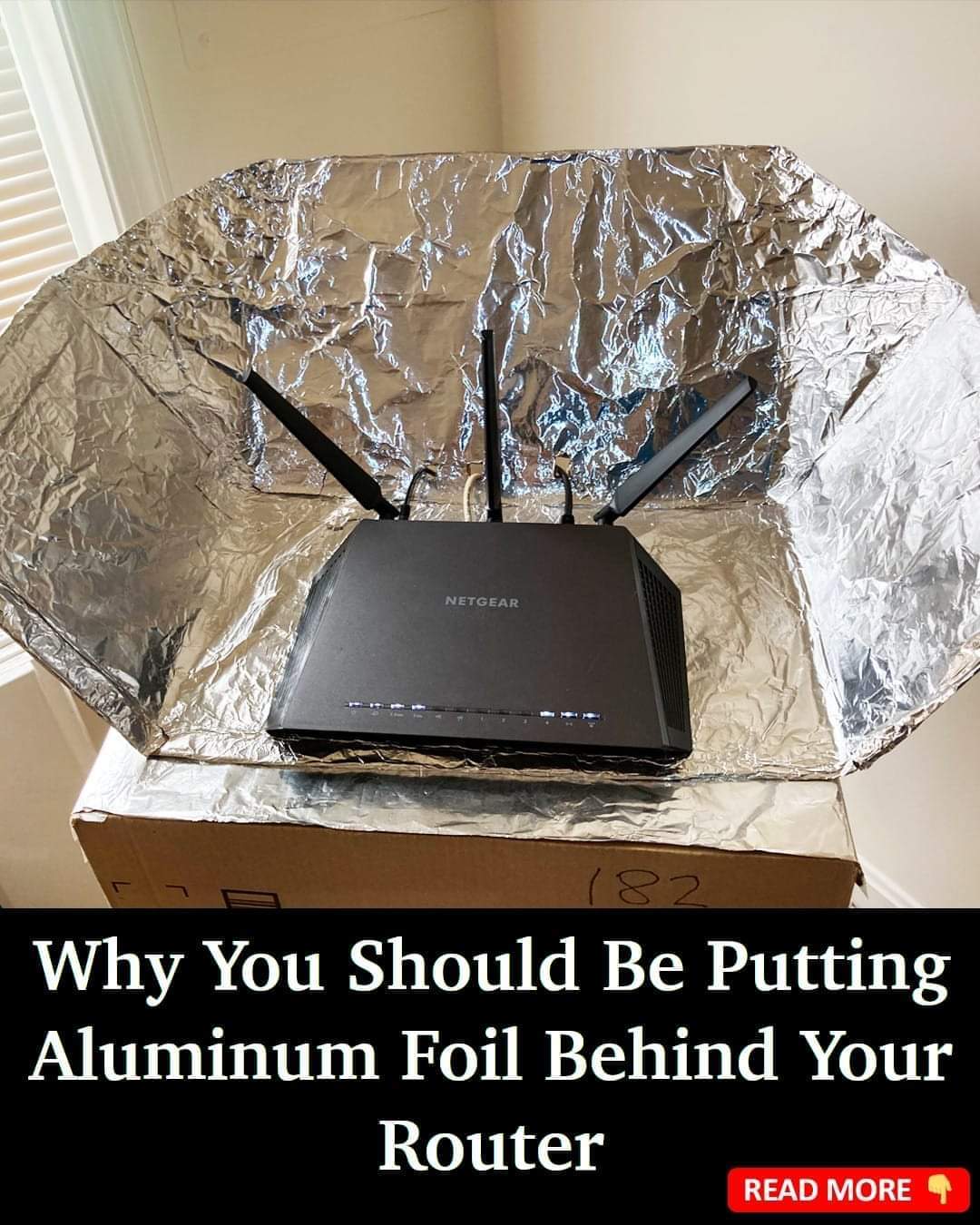
In today’s connected homes, a strong Wi‑Fi signal isn’t just a convenience — it’s a necessity. From remote work and video calls to streaming, gaming, and smart appliances.
Nearly every aspect of modern life depends on consistent, reliable wireless internet. Yet many people still struggle with spotty coverage, weak connections, and dead zones.
Especially in larger homes or when many devices are competing for bandwidth. While there are many mainstream upgrades — like moving to a newer router, installing mesh systems, or adding extenders — there’s also a surprisingly simple, low‑cost idea that’s gained attention: using aluminum foil as a makeshift Wi‑Fi signal reflector.
According to tech experts and research, this household staple might not be as far‑fetched a solution as it sounds.
Below, we explore the science, the research evidence, the practical steps, and the limitations of using aluminum foil to help shape and improve your Wi‑Fi signal.
The Problem With Wi‑Fi Signals
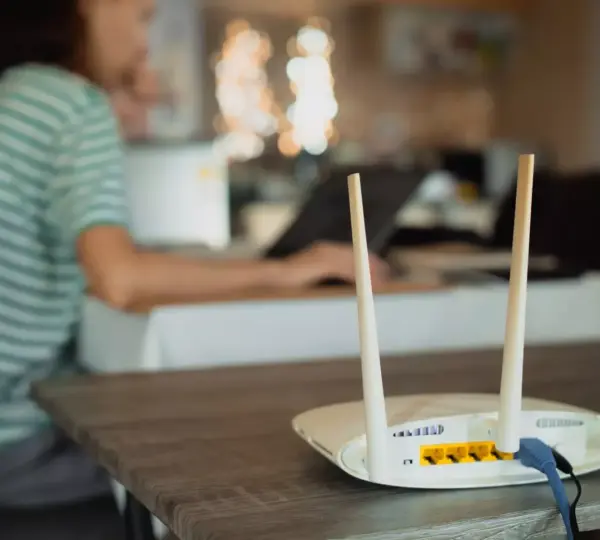
Wi‑Fi signals are a form of radio waves, similar to the invisible frequencies used for cell service or Bluetooth. A typical wireless router broadcasts these signals in all directions from its antennas.
In physics terms, this is called an omnidirectional pattern — much like water from a sprinkler head sprays outward evenly.
In an ideal world, this would blanket every corner of your home with equal signal strength. But in reality, walls, floors, furniture, and appliances can absorb, scatter, or weaken those signals. That means some rooms get excellent coverage while others struggle to connect.
This is why people sometimes see strong Wi‑Fi near the router but almost no signal in a distant bedroom or backyard — because much of the broadcast is being wasted in directions where it’s not needed.
Why Aluminum Foil? The Physics of Reflection
Metal surfaces can interact strongly with radio frequency waves. Just as a mirror reflects light, a metal reflector can bounce radio waves back into space instead of letting them diffuse randomly.
Aluminum foil, in particular, is a good conductor of electromagnetic energy. When Wi‑Fi radio waves hit a smooth sheet of foil, a significant portion of the signal can be reflected rather than passing straight through.
That’s the basic principle behind the idea of using foil to “shape” or “redirect” your Wi‑Fi signal: instead of letting your router broadcast evenly in all directions, you give the signal a reflective surface that can guide more of it toward the places you care about.
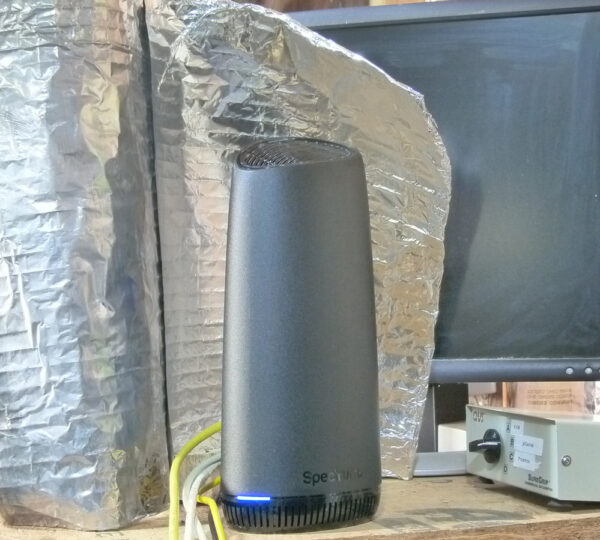
This isn’t just someone’s guess — it’s rooted in well‑understood physics. Engineers use similar concepts when designing directional antennas or satellite dishes that focus signals for long‑distance communication.
Real Research: Dartmouth’s Wi‑Fi Reflector Experiments
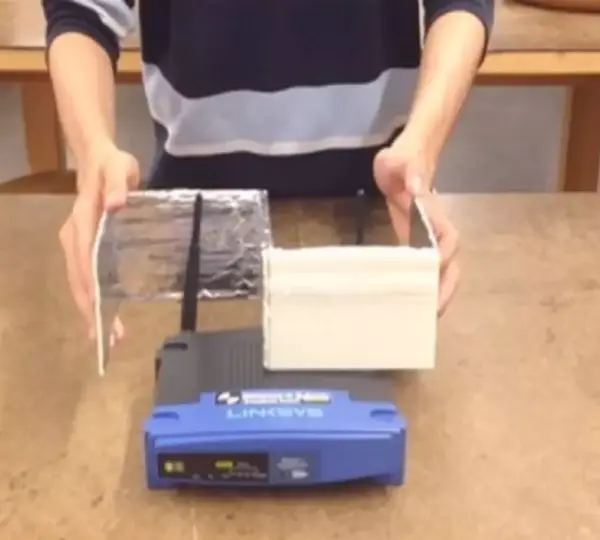
In 2017, researchers at Dartmouth College explored the idea seriously. Their project wasn’t about foil by itself — instead, they used 3D‑printed reflectors coated with a thin metal layer (like aluminum foil) to control where a Wi‑Fi signal went inside a home.
Here’s what they discovered:
Directional Shaping Works
By analyzing the layout of a room and designing a specific reflector shape, they could boost the wireless signal in some areas and weaken it in others.
In controlled tests, these reflectors covered in foil increased signal strength by over 50% in desired areas while reducing it by around 60% where it wasn’t needed.
Security Benefits
The team also pointed out that narrowing the broadcast range could have security benefits. If your Wi‑Fi doesn’t leak as far outside your home, intruders have fewer chances to access it — effectively acting as a physical layer of protection in addition to things like encryption.

These experiments showed that carefully positioned reflectors could meaningfully alter how a wireless signal spreads, making the idea of a DIY foil reflector more than just an internet rumor.
What Experts Say: Not a Miracle, But Not Just Myth Either
Tech experts and engineers generally agree that aluminum and other metals can redirect RF signals, but there are important nuances:
Radio waves behave like light: They bounce off reflective surfaces when positioned correctly.
Foil can concentrate the signal: But it doesn’t magically increase the total power output of your router — it simply redirects what’s already there.
Placement and shape matter: A smooth, curved reflector works better than crumpled foil or random shapes, because it directs the signal more consistently.
That means a sloppy sheet of foil taped randomly to your router might do nothing — or even make things worse in some directions.
How to Try the Aluminum Foil Hack at Home
If you want to experiment with this idea yourself, here’s a step‑by‑step method reported by tech experts and reflective of what researchers did in principle:
Materials You’ll Need
A sheet of aluminum foil (about one foot tall)
Your Wi‑Fi router
Non‑conductive tape (optional)
Steps
Cut a Sheet of Foil
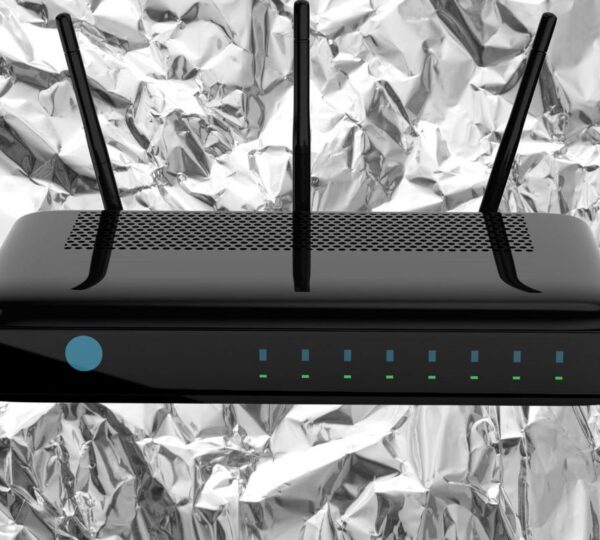
Cut a piece of foil roughly one foot (30 cm) wide and tall enough to cover the back of your router’s antennas.
Shape It Into a “C” or Parabolic Form
Bend the foil into a gentle “C” shape or slight curve so it can wrap around the back of the router. The shiny side should face toward the router — that’s the side that reflects most radio waves.
Position Behind the Router
Place the curved sheet directly behind the router so the open side of the curve faces the direction where you want better Wi‑Fi coverage.
Test Your Connection
Use a speed test app (search “Google speed test”) on your phone or laptop in the room you want to improve. Compare the results before and after adding the foil.
Tips for Best Results
Start with a gentle curve — too sharp or uneven shapes scatter the signal unpredictably.
Make sure the foil isn’t touching any router circuitry or vents. It should stay outside the device’s electrical components.
Try adjusting the angle slightly to see which direction gives the best improvement.
What You Can and Can’t Expect
✅Possible Benefits
You may see improved signal strength in certain directions or rooms.
You could limit how far the Wi‑Fi broadcasts into unused areas, possibly reducing unauthorized access.
It’s cheap and easy to try before spending money on hardware upgrades.
⚠️ Important Limitations
Results vary wildly by environment: walls, furniture, appliances, and house layout all affect signal behavior.
If mis‑aligned, the foil can cause interference or dead spots rather than improvements.
This doesn’t increase the router’s power output — it only redirects existing signals.
It’s not a substitute for a more powerful router, mesh system, or professional network upgrade.
Because of these variables, some households see noticeable improvement, while others see little or no difference.
Potential Security Benefits
While most people focus on signal strength, the Dartmouth research also highlighted a less obvious advantage: security enhancement.
By limiting how far the Wi‑Fi signal reaches outside your home, you reduce the chances that someone outside your property could intercept or attempt to exploit your network.
This doesn’t replace encryption, strong passwords, or two‑factor authentication — but it can complement them by reducing your wireless footprint outside the areas you actually use.
Comparisons With Other Signal Boosting Options
Router Placement
Often one of the easiest fixes is simply moving your router to a more central, elevated location without obstruction.
⚡ Wi‑Fi Extenders / Mesh Systems
Devices designed to broaden coverage provide a reliable, predictable method of eliminating dead zones — though at higher cost than foil.
Upgrading to a Modern Router
Newer routers with multiple antennas, beamforming technology, and dual/tri‑band support offer much better performance than DIY tricks.
The aluminum foil hack is a creative, low‑cost experiment, but for many homes, it won’t replace more robust solutions — especially in large spaces or complex layouts.
Wrapping It All Up
Can aluminum foil really help your Wi‑Fi connection? The answer is: sometimes, under the right conditions, and when used carefully.
Researchers have shown that directional reflectors made of metal can shape and strengthen Wi‑Fi signals in target areas, which is a real phenomenon rooted in physics.
DIY versions with aluminum foil aim to replicate that effect on a smaller scale. While they don’t magically amp up your Wi‑Fi power, they can redirect broadcasts to where you need them most.
Best of all, this hack comes without cost, it’s easy to try, and it may even teach you more about how wireless signals interact with the physical world around them.
Just remember that your mileage will vary, and sometimes the simplest step forward is repositioning or upgrading your hardware.